
Create a New Coupon
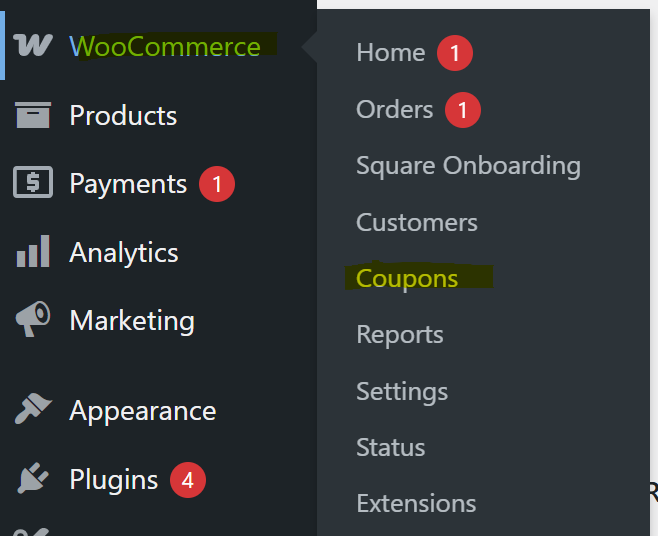
- Go to WooCommerce → Marketing → Coupons
- Click “Add coupon”
- Enter a Coupon code
- Example:
SAVE10(this is what customers will type)
- Example:
- (Optional) Add a Description for internal reference
3. Set Discount Type & Amount
Scroll to the Coupon data section:
- Discount type:
- Percentage discount (e.g. 10%)
- Fixed cart discount (e.g. $10 off total)
- Fixed product discount (e.g. $10 off a specific item)
- Coupon amount:
- Enter the discount value
4. Configure Usage Restrictions (Optional)
Under Usage restriction tab:
- Minimum / maximum spend
- Individual use only
- Exclude sale items
- Limit to specific products or categories
- Restrict to certain email addresses
5. Set Usage Limits (Optional)
Under Usage limits tab:
- Limit usage per coupon (total redemptions)
- Limit per user
- Limit per email
6. Publish the Coupon
Click Publish (or Update if editing)