
Updating website content if using Divi 5
Using Divi Builder
To Edit A Page
- Log into your website Admin Dashboard
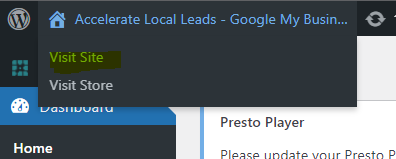
- Open Website in another tab (right click "Visit Site" link as per below)
- click Edit With Divi
The page will load it Edit Mode
As the mouse cursor scrolls over the screen the following objects will appear that can be edited
- Section (blue)
- Row (green)
- Module (grey) - modules include text, images etc
* You should only need to add / edit Rows or Modules
To Edit an existing Text module click the "Module Settings" icon as shown below

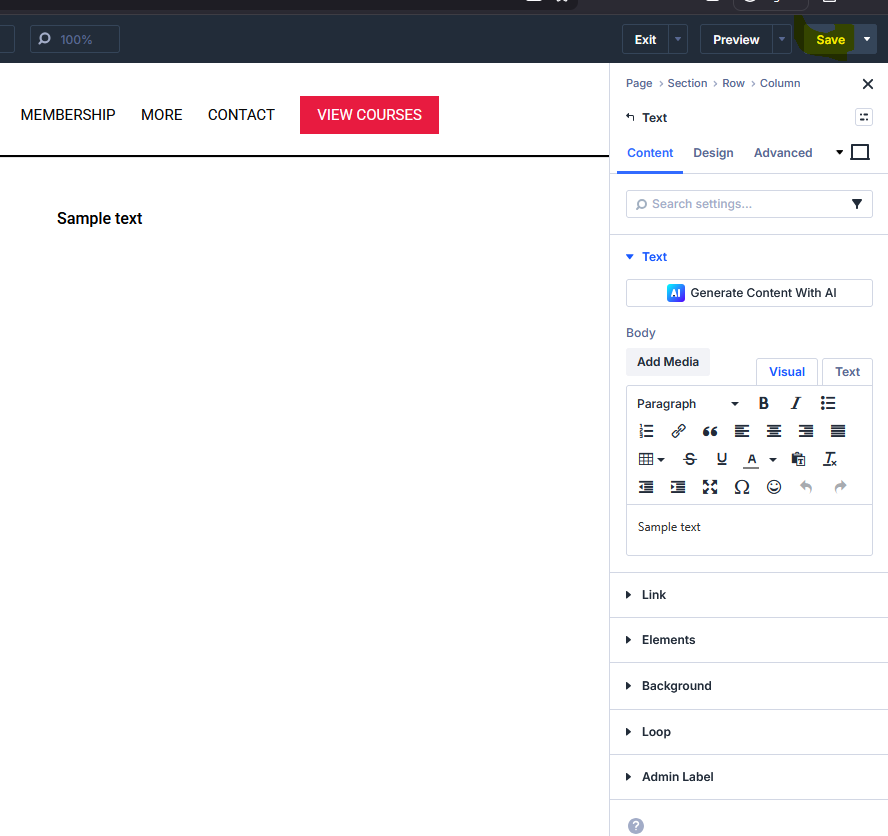
Once changes made - Click Save button to publish changes
Divi Demo tool to test adding sections, rows and modules to a page