
After logging into the admin area of WordPress, you have two main options for creating a new post:

Click on Posts - Add New Post

- Add Title
- select Category
- Add Feature Image (if required)
- click Save Draft to save changes (if click Publish the page will be made live for general public to view)
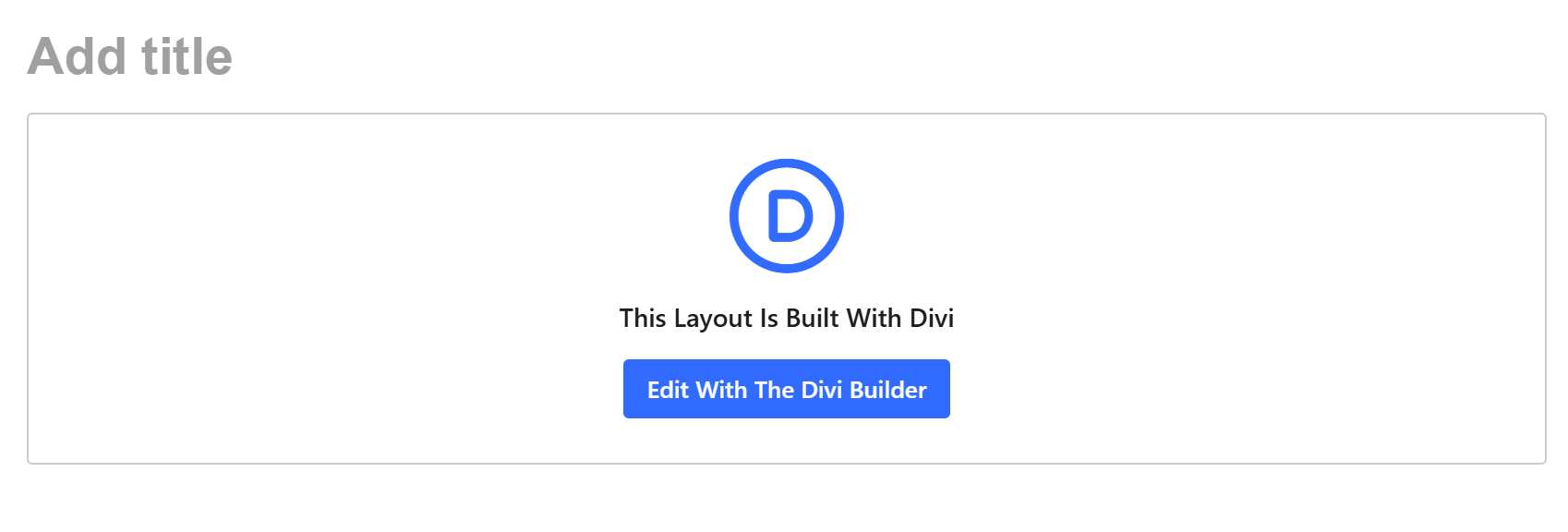
To add content either use Default Editor or Divi Editor (Divi allows more customisations / module options to syle page)
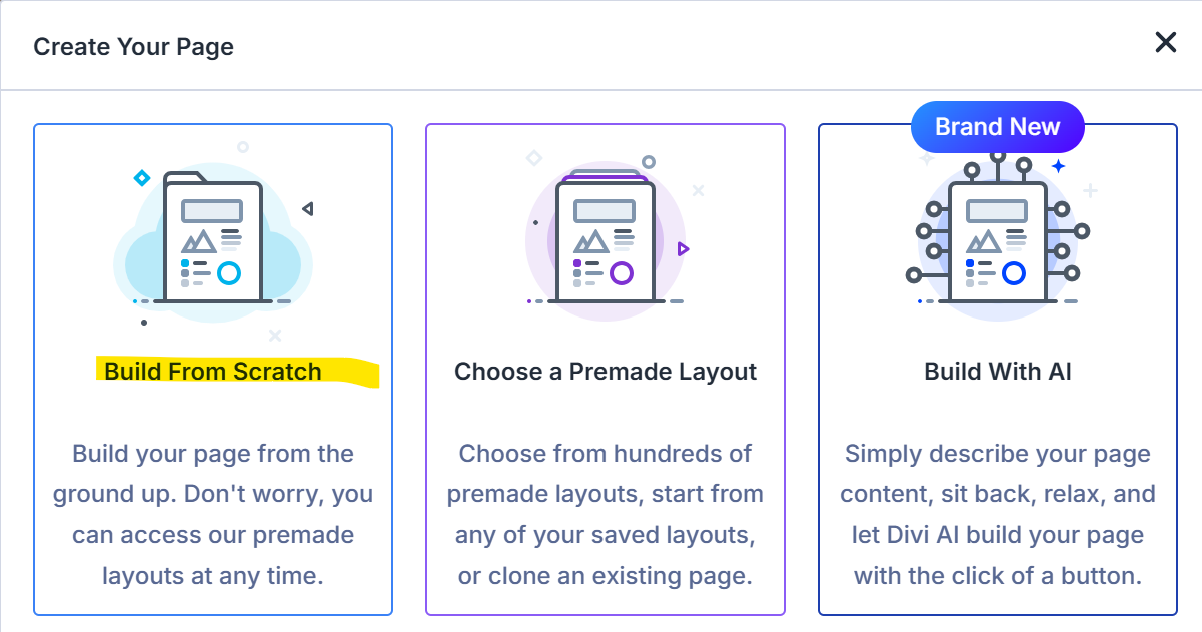
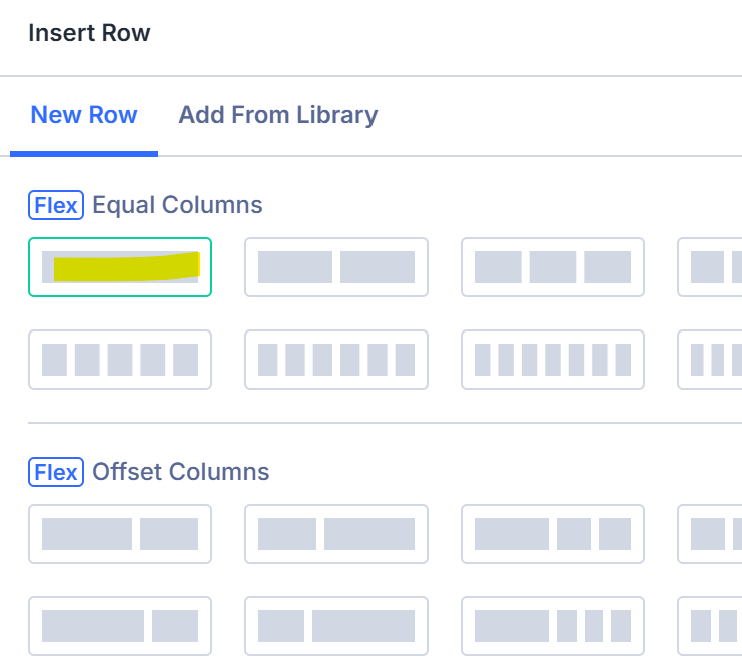
Add New Row

Add Module (ie text, image etc) to add content
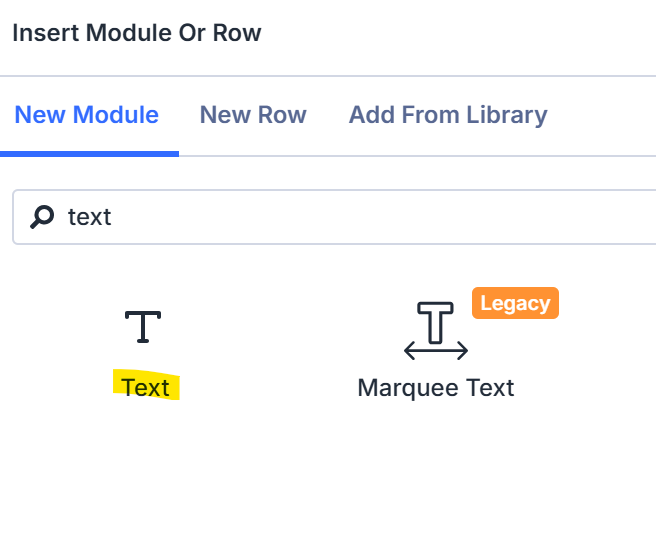
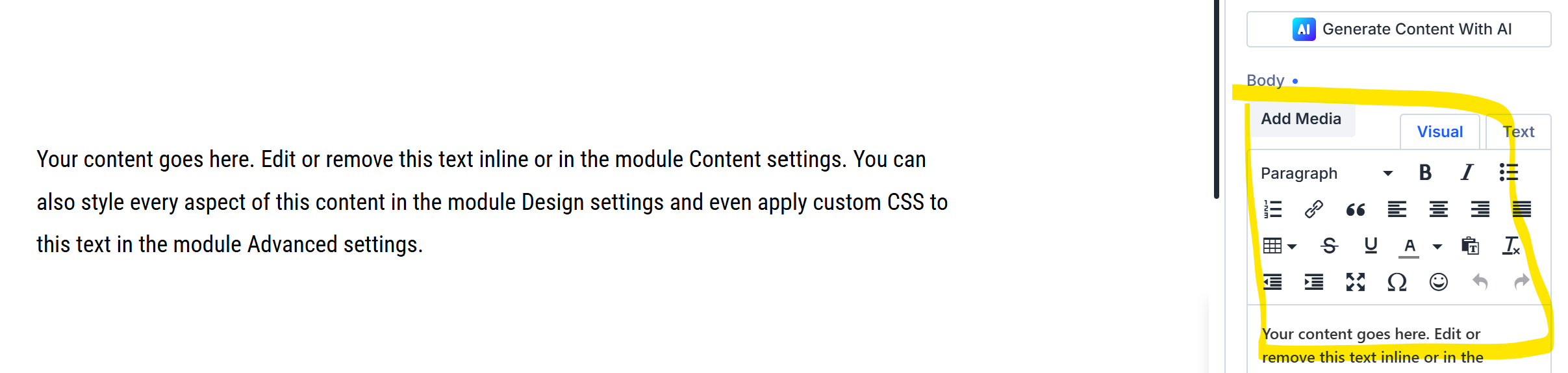
Add text
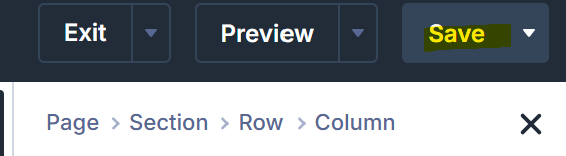
Reminder to save (top right corner)
To make post live click publish button
TEST DIVI DEMO SITE
If wish to test the divi builder before touching your own site Test Here